
Perspective Scanner
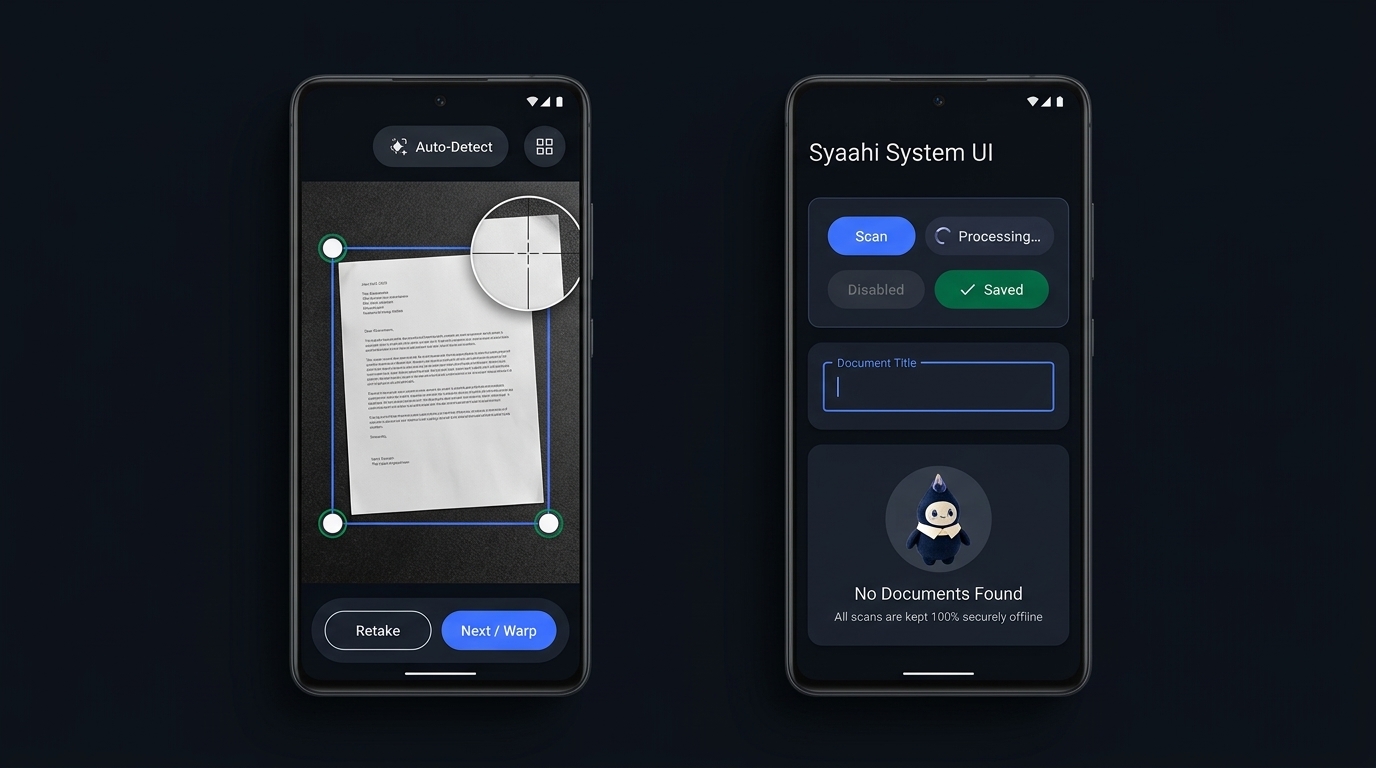
Full-resolution CameraX capture, automatic EXIF orientation handling, document edge detection, four-corner loupe alignment, and homography warp.
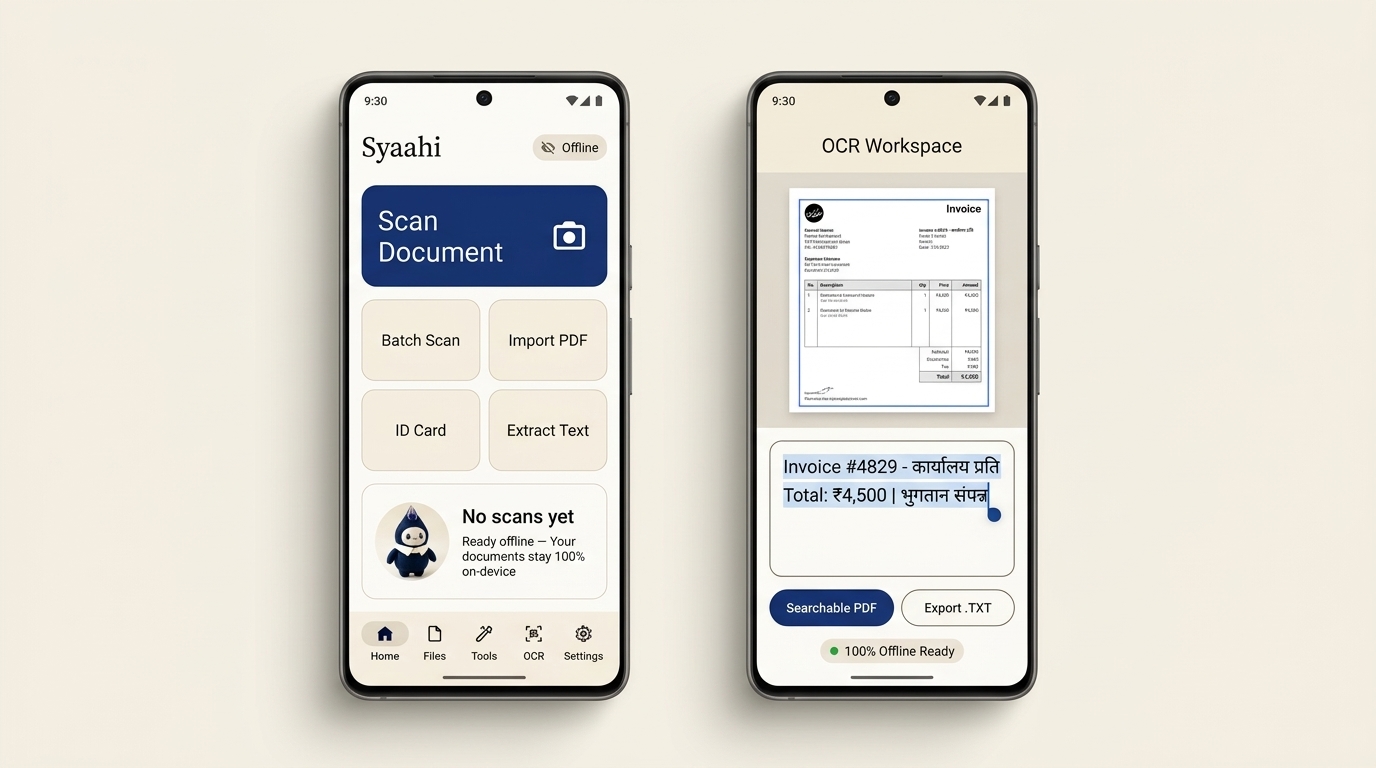
Syaahi combines a CameraX perspective scanner, bilingual Devanagari & Latin text recognition, Unicode searchable PDF compilation, batch image studio, and QR/ZIP utilities without forcing accounts or uploading your documents.
dev.syaahi.app • Android 8.0+ (API 26–35) • Zero INTERNET permission in Android v1.0

Every core transformation executes cleanly in on-device RAM and local Android storage.
Full-resolution CameraX capture, automatic EXIF orientation handling, document edge detection, four-corner loupe alignment, and homography warp.
Runs bundled Google ML Kit Latin and Devanagari recognizers offline, embedding selectable Noto Sans Devanagari Unicode text layers inside PDFs.
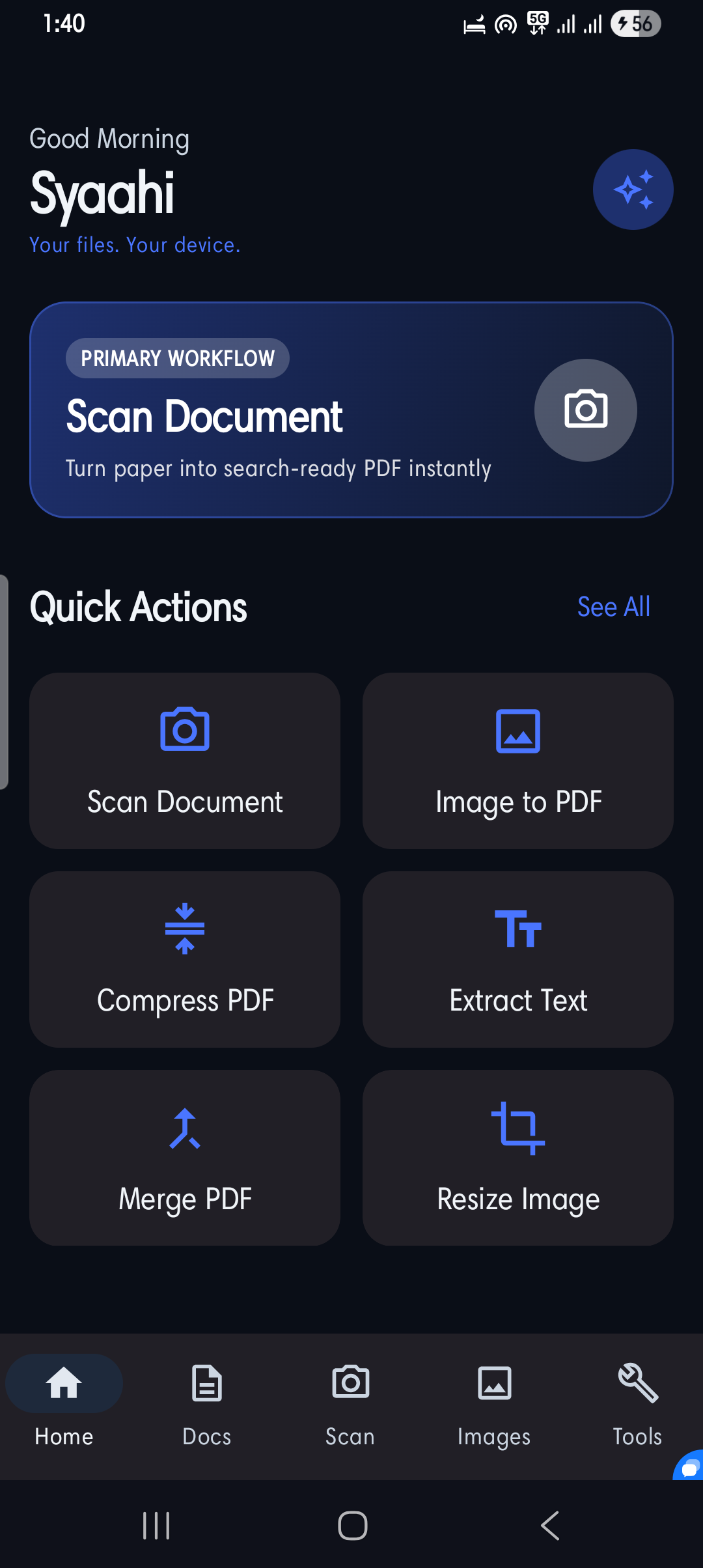
Merge multi-document packs, split page ranges, compress oversized files, convert images to PDF, render pages back to images, and stamp clean watermarks.
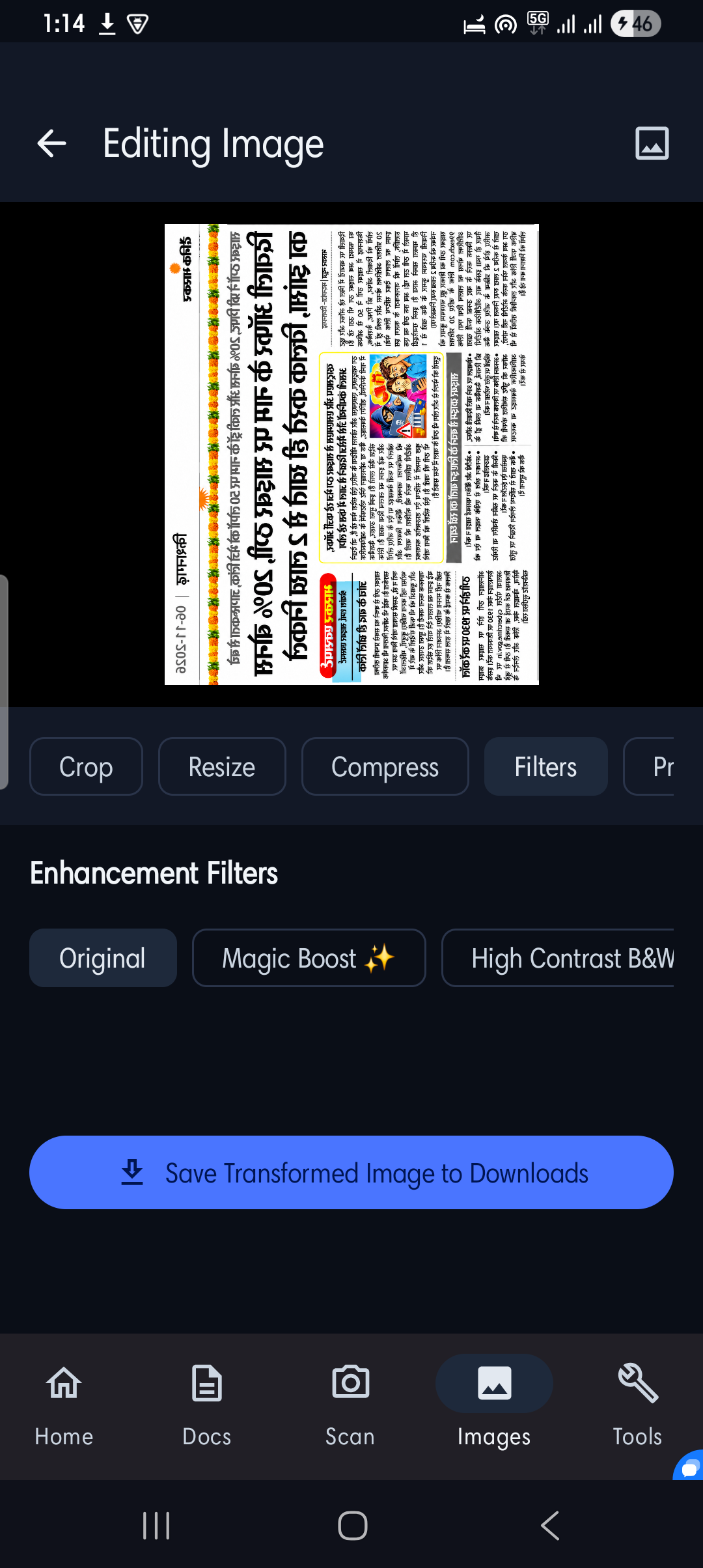
Crop, rotate, flip, sharpen scans with Magic Boost or High-Contrast B&W, apply smart resolution/quality presets, and export ZIP archives or QR codes.
Hover over any text block to inspect on-device ML Kit recognition bounds and confidence. Click any block to copy its clean Unicode text directly to your clipboard.
Syaahi strips android.permission.INTERNET during Android manifest merging (tools:node="remove") so even transitive SDK telemetry transports remain disabled at the OS layer in v1.0.
Whenever optional cloud accounts, remote announcements, or this website's support form are used, we document every collected field, encryption standard, and deletion procedure openly—never making misleading blanket claims.
Downloads/Syaahi. Never uploaded.Designed around the Ink × Paper Material 3 system paired with genuine device captures from Syaahi for Android.
Zero third-party ad networks. Launch integrated tools directly inside Syaahi on Android.
Extract editable, copyable text from printed bills, receipts, notices, and forms using bundled ML Kit recognizers.
syaahi://ocrEmbed Hindi Devanagari and English OCR text into PDFs with bundled Noto Sans Devanagari fonts via PDFBox-Android.
syaahi://documentsCrop, rotate, flip, enhance contrast, apply custom width caps, and export batches to JPEG or PNG offline.
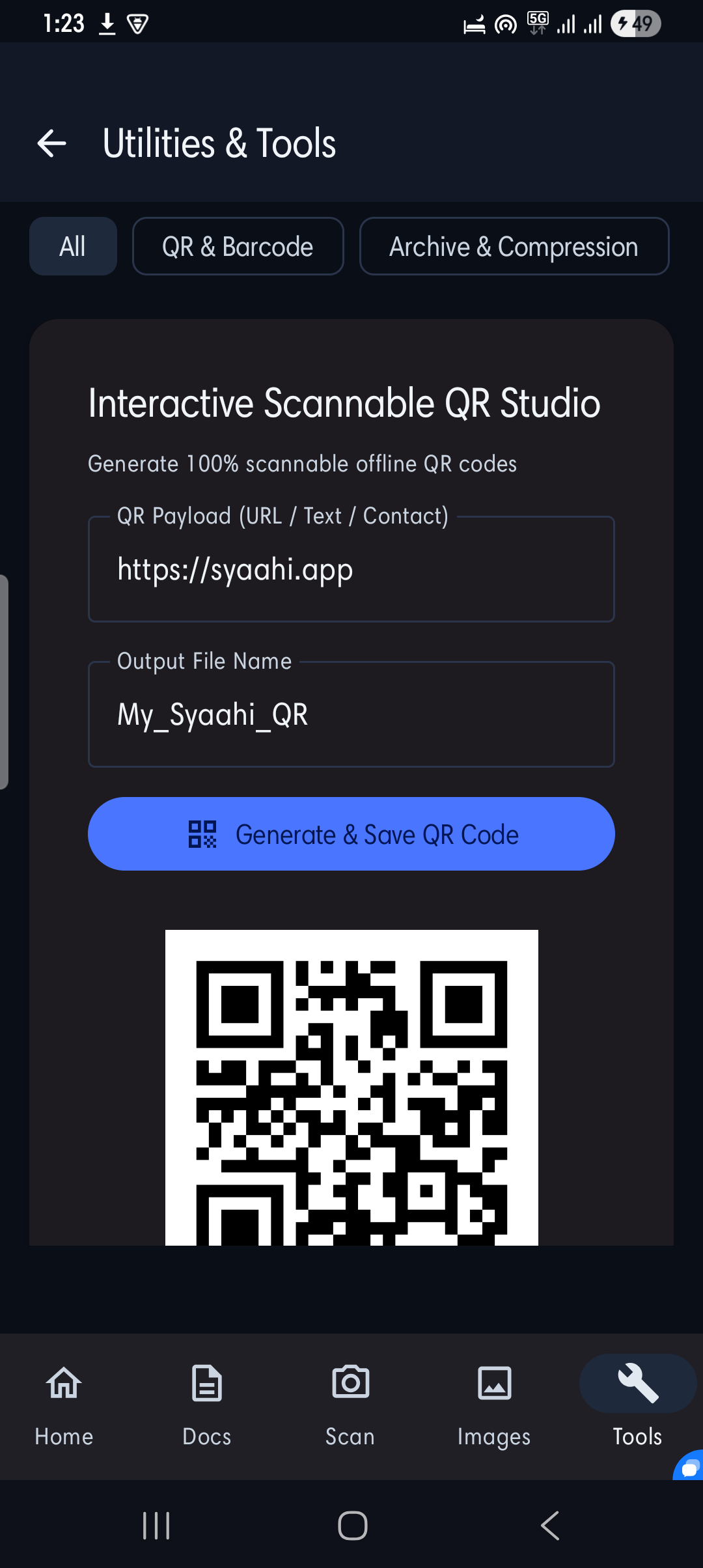
syaahi://batch-studioVerify downloaded assets with SHA-256 digests, package multi-file ZIP archives with SAF, and generate crisp ZXing QR codes.
syaahi://utilitiesKeep saved presets for scan-to-PDF and image optimization cleanly inside your on-device Room database.
syaahi://workflowYes. The current Android build (dev.syaahi.app v1.0) strips android.permission.INTERNET at build time using tools:node="remove". Document scanning, Hindi/English OCR, searchable PDFs, ZIP creation, QR codes, and image filters execute purely on your device.
Transparency is critical. While the current v1.0 APK runs offline with zero network calls, the Syaahi ecosystem also includes this website (with a /contact feedback form) and optional backend infrastructure built for future opt-in releases (optional accounts, remote config, and Firebase Cloud Messaging announcements). Our Privacy Policy discloses every data path honestly so we never make misleading "zero data everywhere" claims.
Yes. Syaahi bundles Google ML Kit Devanagari and Latin recognizers alongside Noto Sans Devanagari TrueType font embedding inside PDFBox-Android so Hindi matras, conjuncts, and English words remain selectable and searchable in standard PDF readers.
No. Anonymous local workspace mode is permanent and default. Even on future builds with optional account support, scanning, OCR, PDF assembly, ZIP archiving, and image editing are never gated behind login.
Exported PDFs, images, ZIPs, and QR graphics are saved inside Downloads/Syaahi (or app-private storage fallback if Downloads writes conflict). You can reset local Room history and preferences inside Account Settings -> Cancel Local Profile & Clear History, or request deletion of optional cloud/feedback records via /account-deletion.